Toucan Keyboard: IMPORTANT! Battery Considerations
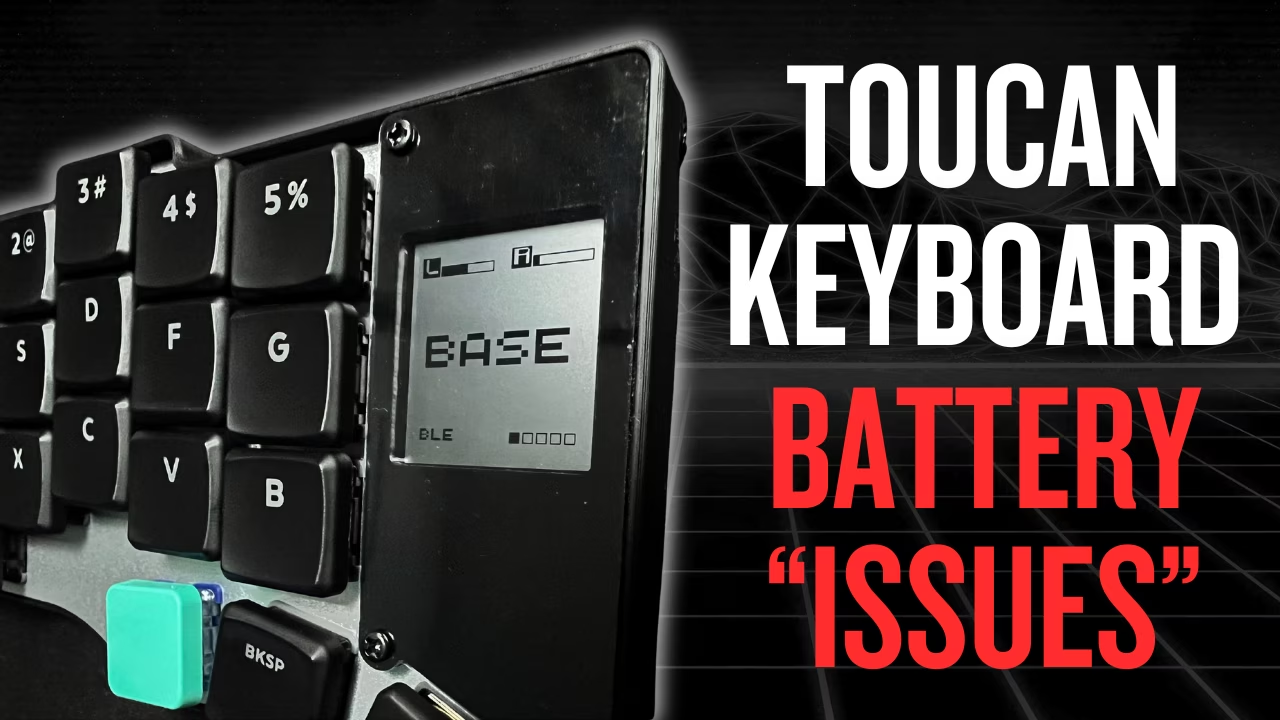
I’m doing a battery test on the Beekeeb Toucan and I ran into something that looks very wrong on the trackpad side. Both halves were charged to 100% and disconnected on January 1st 2026 at 9:35 am Guatemala time. On January 5th 2026 at 6:30 am the right half shows 0% on the screen, while the left half is still above 50%
Contents
Table of contents
- YouTube Video
- Pre-Requisites
- Toucan Keyboard Battery
- Community-driven promotion
- You’re a fraud, why do you ask for money, isn’t YouTube Ads enough?
YouTube Video
Pre-Requisites
There are other 2 articles related to the toucan keyboard, so that this one makes more sense:
Toucan Keyboard Battery
Battery Very Important Info
Before you order the keyboard, there’s some issues that you need to be aware of, regarding the battery on the side with the trackpad.
I’m charging both halves to a full charge, and disconnecting them on: Jan 1st 2026 at 9:35 am Guatemala time
The idea was to share in a future video how long the battery lasts, I was hoping it would last several days. But to my surprise, I noticed something very unusual.
On Jan 5th 2026 at 6:30 am Guatemala time, Approx 3 days 21 hours after, the right side appears to have 0% of battery left. The left half is still above 50%. The right side appears to be off on the screen, but it still keeps working, does anybody know why? I’ll see how far it goes and will update you.
I know that the recommended battery is small, but I was not expecting this very odd behavior.
If there’s a side that would drain faster is the left side which is the central one that acts like a proxy for the right side.
To give you a better example, the left half on the glove80 lasts 15 days and the right half 2 months minimum. This is because the left side is the proxy and manages the wireless connection to the computer also with the right side.
So I reached out to Leo from Beekeeb and here’s what’s going on:
There’s an issue related to the touchpad. It is drawing more battery because beekeeb didn’t put the side to deep sleep mode. They tried enabling it in the firmware, but it causes a 2-3 second wake-up delay after around 10 seconds inactivity, making the touchpad unresponsive during that time.
But if you want to add the fix, you can modify the Cirque module at petejohanson/cirque-input-module
The Cirque trackpad is now officially supported in ZMK 0.4 beta (built on Zephyr 4.1), which should fix the deep sleep issue. Some users have reported freezing bugs with this beta version on Discord. So beekeeb will wait for the stable ZMK 0.4 release before updating the Toucan firmware to support it.
What is needed to do when the firmware 0.4 is out?
When ZMK 0.4 is released, beekeeb will work on upgrading the keyboard firmware to support it. The updated firmware will be uploaded to the GitHub repo. You can either flash the pre-compiled firmware from the Actions tab or fork the repo yourself. If you have already forked the repo and made changes to your keymap, you will need to merge the latest updates.
Would you recommend people modifying the Cirque module in the meantime?
Beekeeb recommends waiting for the latest firmware. There were some discussion in the ZMK Discord, so for people with technical background, modifying the code might fix it.
What about the low capacity battery?
A higher-capacity 402030 battery (200 mAh) with a compatible connector from DataPower is coming soon.
The battery has arrived in Japan and will be available on Amazon Japan very soon. Next will be Canada, a seller there is expected to start offering it soon, possibly in a month (not 100% sure yet). For other regions, it may take some more time they’re still looking for and working with local vendors
What if I purchase a battery with the wrong polarity?
Beekeeb does not recommend this, but it is possible to reverse the polarity as described here: not-recommended-changing-the-polarity
Battery updates
Update: Jan 6th at 5:00 am Guatemala timeThe right half finally died, keep in mind that I used it for an additional 4 hours yesterday after it showed up off on the screen. So now the right half (trackpad) is connected and left half (screen) disconnected. We’ll see for how long the left half keeps going
Update: Jan 11th at 5:00 am Guatemala timeThe left half died. The screen battery indicator went off like 8 hours before it died. So if you see that the left half disappears from the keyboard screen, you have a few hours to connect it.
So the battery for the left half lasted from
Jan 1st 2026 at 9:35 amtoJan 11th 2026 at 5:00 am Guatemala time, which is almost 10 days. I haven’t used my computer as much these days, and sometimes I use the laptop keyboard, so for you it could be less.
How Am I Going to Deal with the Battery Issues?
I’ll wait for ZMK 0.4 to be released, then I’ll flash the new firmware which should fix the issue with the battery on the right side.
Then I’ll wait for the longer capacity battery to be available, and order it.
While these 2 are fixed, I’ll attach the round rubber feet on the bottom of the keyboard and connect it to my split USB data cable, so I can use both halves while charging.
Remember that in another video I showed the cable, which I bought when I purchased my glove80, and that I used to also flash the firmware.
Why Attach Round Rubber Feet
Not sure if the round rubber feet come in the package or not
From the website:
“This keyboard is designed to be as flat as possible. When the USB-C connector is used, because of the cable, it is expected that the keyboard does not sit perfectly flat on the table.
Most users use this as a wireless keyboard without an always-connected USB-C cable, so this is not an issue. If you prefer the keyboard to stay flat while USB-C cable is connected, attach taller rubber feet to the bottom case or use a magnetic tenting stand”
So in other words, if you don’t attach the feet and use it with a cable the keyboard will rest on the cable and this will probably damage the connector over time
I show how this looks in the video
Battery Not Included
I had to purchase the battery on my own in amazon, I bought the one recommended by the keyboard manufacturer
EEMB 4PACK Lithium Polymer Battery 3.7V 150mAh 401730 Lipo
I bought a 4 pack, so I have 2 as spare.
Install the Battery
Instructions can be found here toucan-keyboard/case-assembly-part-2
Let’s take a look at how to install the battery
What’s Next?
In the next article, we’ll take a look at the switches I got including sound tests
Community-driven promotion
Do you want to promote yourself in my channel? I’m not talking about a company like notion, brilliant, and all those other ones we’re using to seeing. I’m talking about you as a person, do you have a project, course, youtube channel or product and trying to reach an audience?
If interested, pricing and all the details can be found in this other page
You’re a fraud, why do you ask for money, isn’t YouTube Ads enough?
- I explain all of this in the “about me page” link below:
- youre-a-fraud-why-do-you-ask-for-money-isnt-youtube-ads-enough
- Above you’ll also find links to my discord, social media, etc