How to Join My Livestreams as a Guest
A short guide for guests joining one of my livestreams: when to join, how to frame your camera, prepare your audio, and set your screen-sharing resolution.
A short guide for guests joining one of my livestreams: when to join, how to frame your camera, prepare your audio, and set your screen-sharing resolution.

I doubled the membership livestreams hoping to grow the memberships. It didn’t work, I added way too much to my plate, and now I’m scaling things back before I burn myself out.
I'm doing a weekly coaching session with Protesilaos and we're learning vanilla Emacs from scratch, here's the keymaps learned in the second lesson
Support the channel through YouTube memberships, join Linkarzu Root Access livestreams, or hire me through Ko-fi to record and edit content for your own platforms.
I've noticed that I've been editing text like a peasant in Neovim, I jump around ineffectively copy what I need, then jump back where I was, so I want to try to perform remote operations using flash.nvim and making that my primary way of navigating.
I'm doing a weekly coaching session with Protesilaos and we're learning vanilla Emacs from scratch, here's the keymaps learned in the first lesson
I'm trying out emacs, and I've been really confused as a beginner, I don't know whether to use Vanilla Emacs, doom emacs, or something else, what packages to install. So I need someone with experience to hold my hand and guide me through the process

There's new people that join my livestreams and get confused, they don't know why there are 2 livestreams and what's a weird voice that play in the background sometimes

I had over 400 members and a public discord server some time ago, but I nuked it, I'm opening it up again, this time for members only
I very rarely play videogames nowadays. That was something I did when I was 12 years old. Today Nintendo announced they're remaking "The Legend of Zelda, Ocarina of Time". And this is one I’ve always said I would play if Nintendo ever remade it.
I moved the linkarzu podcast interviews to their own YouTube podcast channel, without deleting the old episodes from the main channel.

I’m doing a battery test on the Beekeeb Toucan and I ran into something that looks very wrong on the trackpad side. Both halves were charged to 100% and disconnected on January 1st 2026 at 9:35 am Guatemala time. On January 5th 2026 at 6:30 am the right half shows 0% on the screen, while the left half is still above 50%
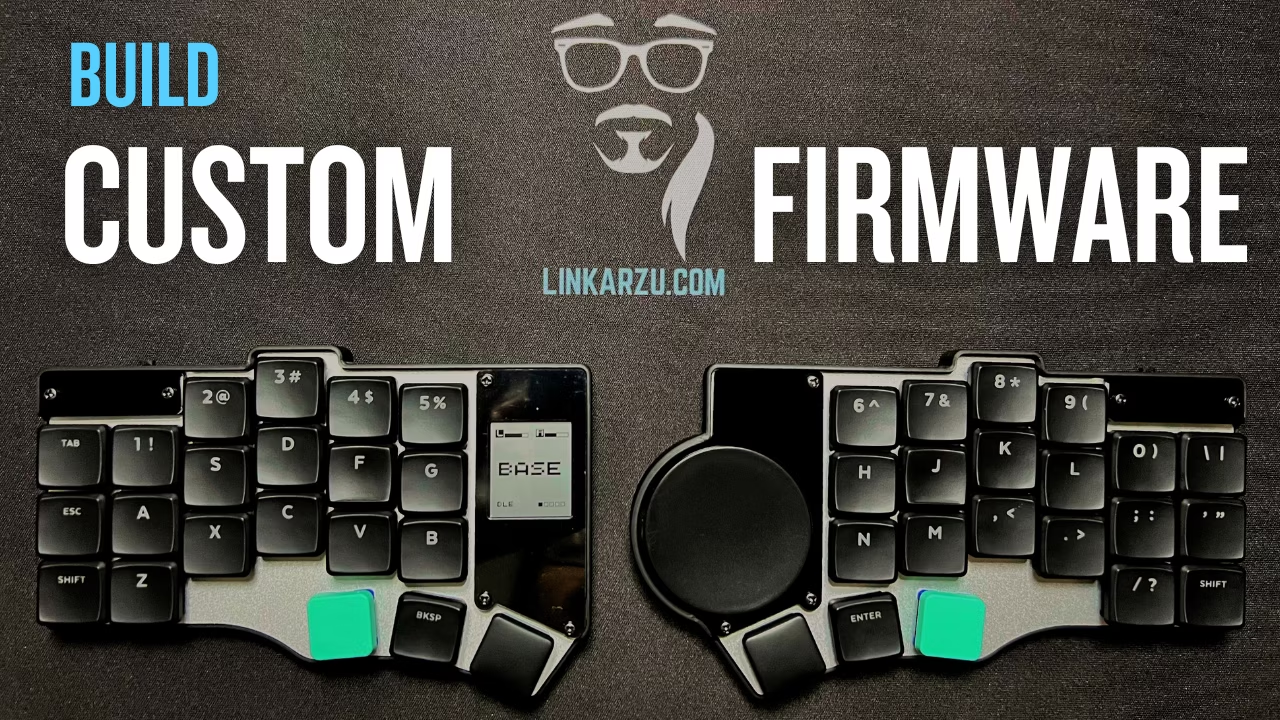
In this article, I build custom ZMK firmware for the Beekeeb Toucan using a repo and text files instead of GUI tools, and this is part 2 of the Toucan series.
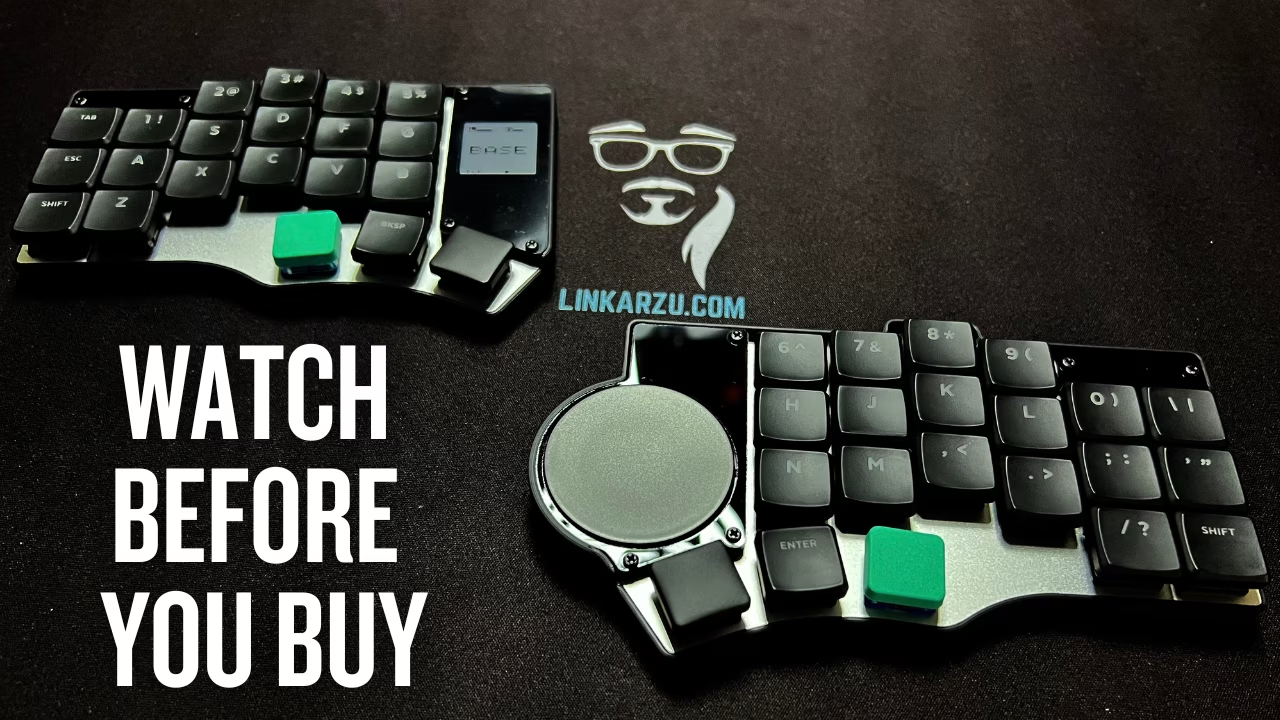
I’ve been daily driving the Glove80 for 1 year and 4 months, and I finally did the thing I kept telling myself I didn’t need to do. I bought a flat split keyboard. This is the Toucan by beekeeb, and the whole point of this video is simple. I have a theory about concave boards, hand position, and fatigue, and I want to test it with something that keeps my hands on the desk while still staying split.

Switching from Ghostty back to Kitty feels like a betrayal. Ghostty is new. Kitty is proven. Both are fast. Both are GPU based. Both try to replace the old terminals that we tolerated for years. This video is my full story from iTerm2 to Alacritty to Kitty to WezTerm to Ghostty and all the way back to Kitty. I show what pushed me out of each terminal and what made Kitty stand out again after Ghostty took over my setup.
Trying Neovim for the first time feels strange, but once you understand how it fits into your workflow everything starts to click. In this video I show why Neovim replaced every editor I used in the past and how it helps me work faster without breaking my focus. Daily notes, dotfiles, blogposts, GitHub repos, images, keymaps, sessions, diagnostics and more.
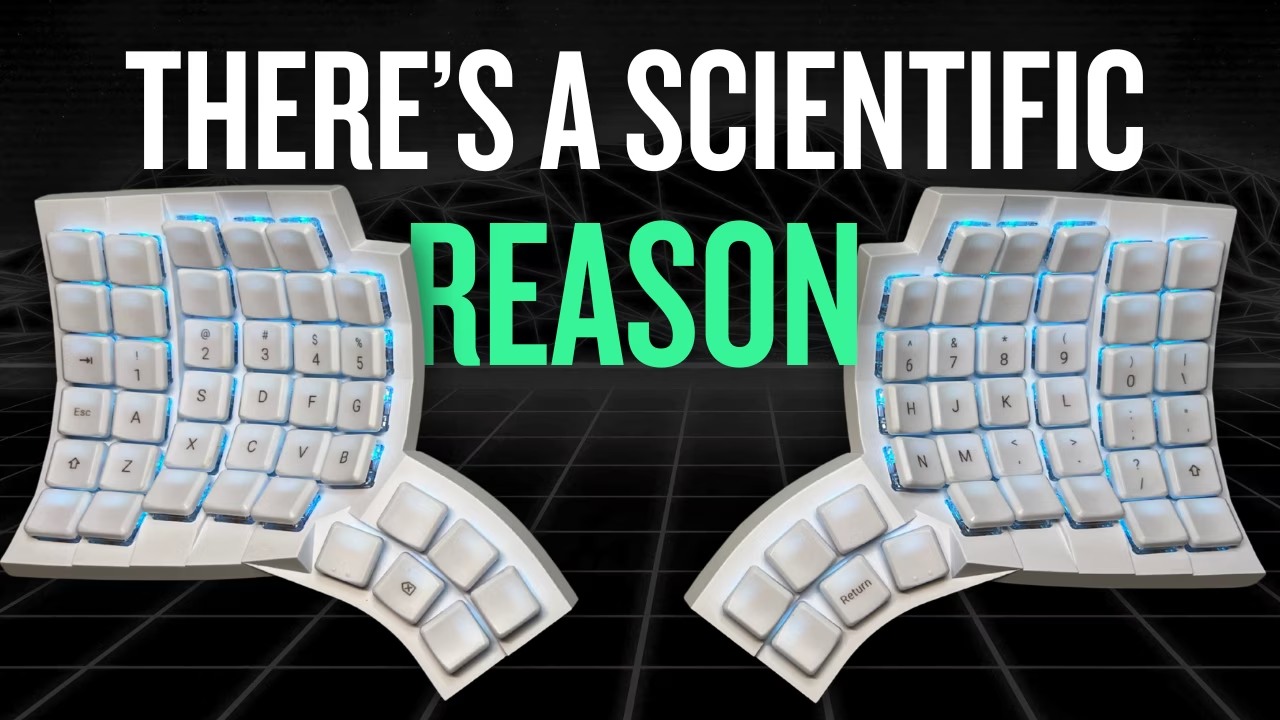
In this video, I break down why you only need 40 keys on your keyboard. I explore how layers actually work, how they affect efficiency, and why having fewer keys can make you faster and more precise. I explain what layers are, how I used them on my Glove80 keyboard and my MacBook, and how tools like Kanata changed my setup completely.
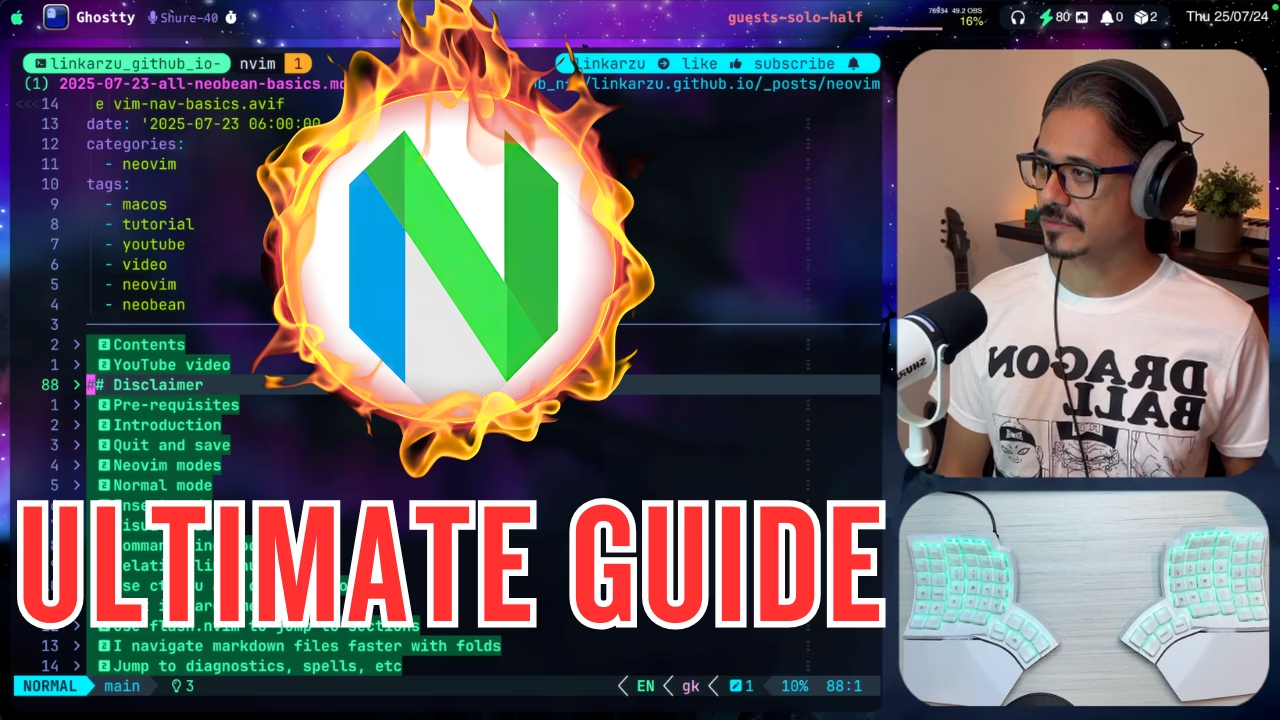
Do Neovim videos feel way too advanced? This one starts where you actually are: editing Markdown. We’ll work on notes and blog posts so you can focus on learning motions, text objects, and keymaps instead of fighting a full-blown codebase.
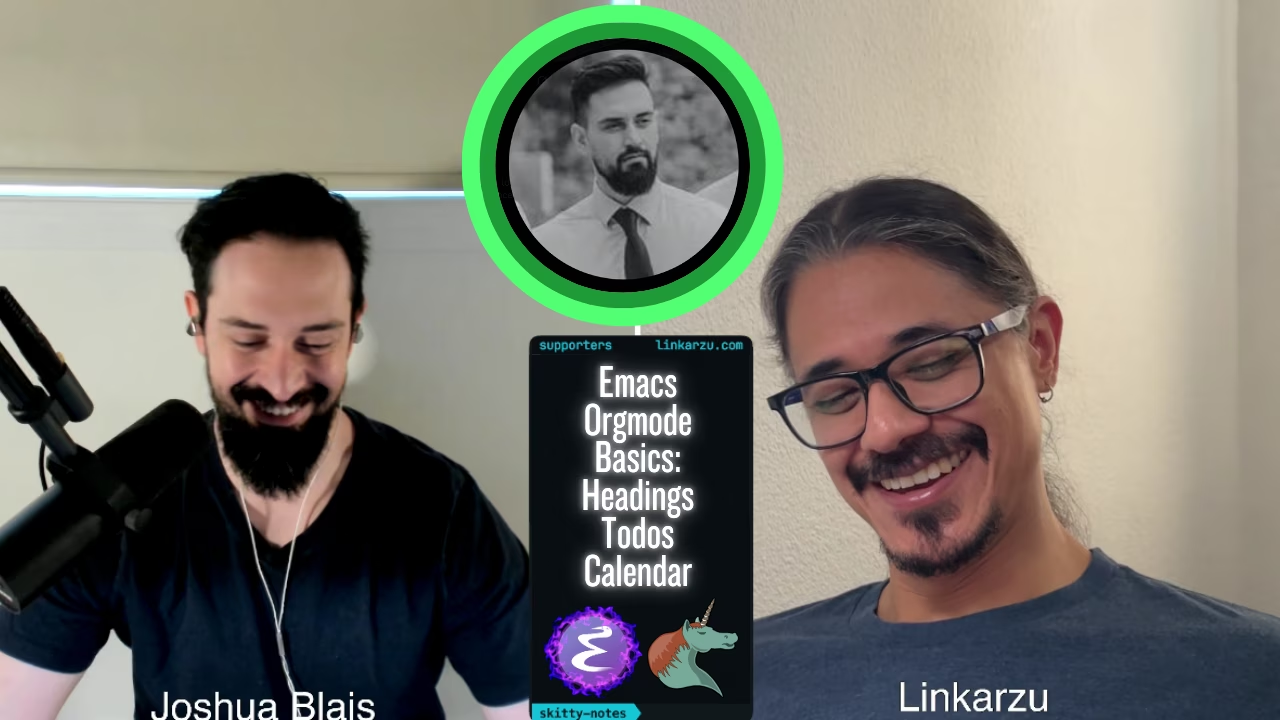
This is part 2 of me trying emacs for the first time. My good friend Joshua Blais walks me through the org mode basics. We create a file, add headings, add tags, and add stuff to the calendar
You don't need a stream deck to switch scenes in OBS or a special dedicated app. I'll show you how to create a python script and use your own keyboard
I watched a video about this guy called ThePrimeagen, and it changed the way I navigated my system and accessed my files
Do you normally end up with around 15, 20 or more tmux sessions that you manually have to clean up? In this article I show you how I automatically clean up the tmux sessions I haven't used using a bash script, this means that you can run the script in macOS and also in Linux.
Have you ever needed to replace really complex strings in Neovim? Probably sometimes you need to replace entire paragraphs that include multiple lines
I have been using the image.nvim plugin for some time to view images in neovim, this is specially useful when I'm working on a new blogpost, I use the plugin to view the images I'm uploading. Also, in very rare occassions, I add images to my markdown notes, so it becomes useful in that case too
I go over the reasons why I switched from Obsidian to Neovim, I also compare the features in the two tools and explain what features I like about neovim vs Obsidian