Toucan Keyboard, Build and Flash Custom Firmware
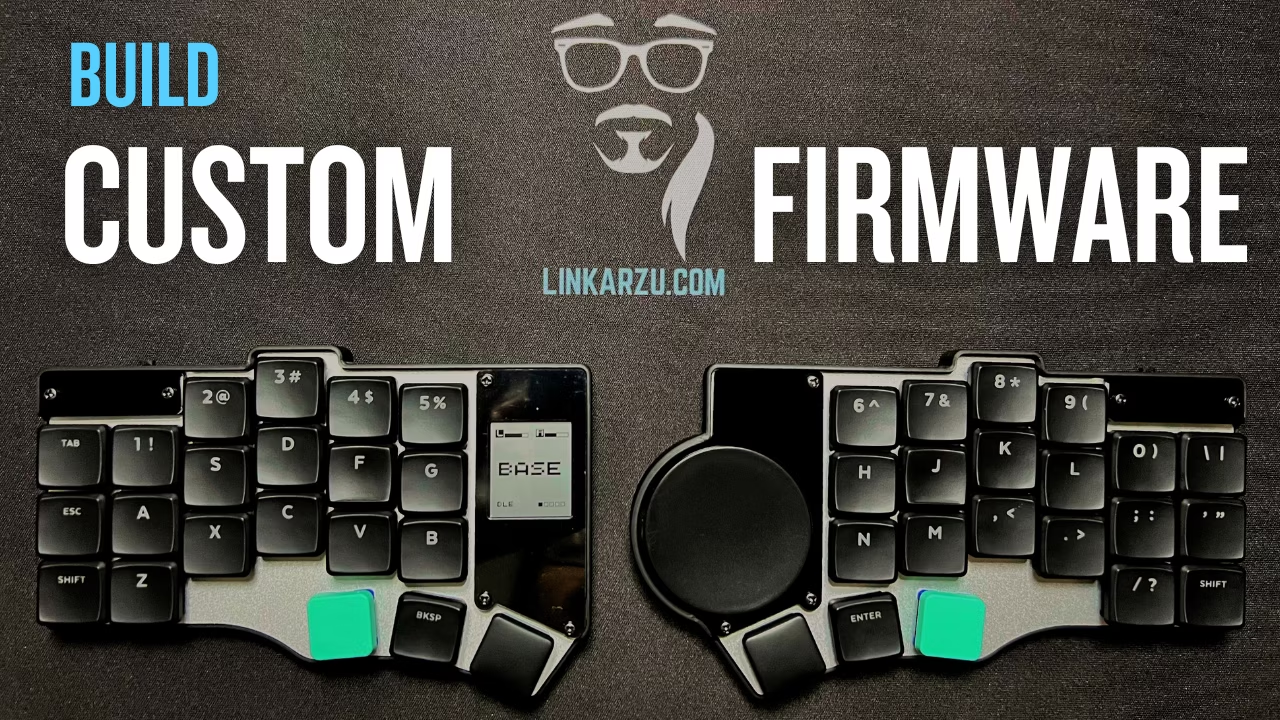
In this article, I build custom ZMK firmware for the Beekeeb Toucan using a repo and text files instead of GUI tools, and this is part 2 of the Toucan series.
Contents
Table of contents
- YouTube video
- Pre-requisites
- Toucan Keyboard flash firmware
- Community-driven promotion
- You’re a fraud, why do you ask for money, isn’t YouTube Ads enough?
YouTube video
Pre-requisites
- Read this other article first
Toucan Keyboard flash firmware
Build custom firmware
NOTE: There’s other ways of flashing the firmware, if you’re a normie there’s GUI tools you can use. I flashed my glove80 using a GUI for such a long time and I hate it. I rather do everything in a text file and inside Neovim. I’ll show you how I do it later on, but you don’t have to do it this way.
I didn’t even need to install the battery yet, as I have a split cable that I use with the glove80 and it allowed me to flash it and test it
Fork the repo
- Fork the repo beekeeb/zmk-keyboard-toucan
- After forking, in the fork go to the
Actionstab and click onI understand my workflows, go ahead and enable them, if you don’t do this, the GitHub action that generates the firmware won’t be triggered after you push your commit - Clone your fork
If you’re a Neovim user, I’m using qmk.nvim and I configured it so that it recognizes both of my keyboards, the glove80 and the toucan. This greatly helps you with the keymap file configuration process, as it auto formats it for you and lets you know if there are basic mistakes, like for example if in a layer you have more keys configured than needed.
In the video I briefly show my qmk.nvim config including the autocmds, and the toucan.keymap file
Here’s a link to my keymap config file in GitHub toucan.keymap
If you want to learn more about the qmk.nvim plugin, I created this video: The Hidden Tool Behind Perfect Keyboard Layouts
Invert the Y scrolling axis
I did this in the ~/github/zmk-keyboard-toucan/boards/shields/toucan/toucan.dtsi file
Adding this under the scroller:
1
&zip_scroll_transform INPUT_TRANSFORM_Y_INVERT
Link to the GitHub config on this link: toucan.dtsi
Right and middle click
Not sure if there’s a way to do this with the trackpad, but I added 2 keymaps in my navigation layer.
For this to work, make sure to add this header at the top of your .keymap file
1
#include <dt-bindings/zmk/pointing.h>
I show the .keymap file including the heading in the video
Flash the firmware
- Push your changes
- Wait for the green check to appear
- Go to
Actions - All workflowsfind the latest commit and click on it. Then go to theSummarytab and at the bottom there will be a button to download the firmware - Once you unzip the downloaded file, there will be 3
.uf2files inside. The toucan documentation doesn’t specify which file is the one that needs to be copied, but here’s what worked for me:- Connect the left side (I used the dual cable I use with the glove80) double tap the button at the bottom and it the keyboard will show up in finder. I dragged the file
toucan_left rgbled_adapter nice_view_gem-seeeduino_xiao_ble-zmk.uf2 - Connect the right side and do the same, but with the file
toucan_right rgbled_adapter-seeeduino_xiao_ble-zmk.uf2
- Connect the left side (I used the dual cable I use with the glove80) double tap the button at the bottom and it the keyboard will show up in finder. I dragged the file
- You will probably get an error that the drive cannot be written to, but don’t worry, the firmware is still flashed and it works
What’s next?
In the next article, we’ll take a look at the battery details, there’s an issue currently with the battery not lasting too long on the right side due to the trackpad, but there’s a fix on the way
Community-driven promotion
Do you want to promote yourself in my channel? I’m not talking about a company like notion, brilliant, and all those other ones we’re using to seeing. I’m talking about you as a person, do you have a project, course, youtube channel or product and trying to reach an audience?
If interested, pricing and all the details can be found in this other page
You’re a fraud, why do you ask for money, isn’t YouTube Ads enough?
- I explain all of this in the “about me page” link below:
- youre-a-fraud-why-do-you-ask-for-money-isnt-youtube-ads-enough
- Above you’ll also find links to my discord, social media, etc